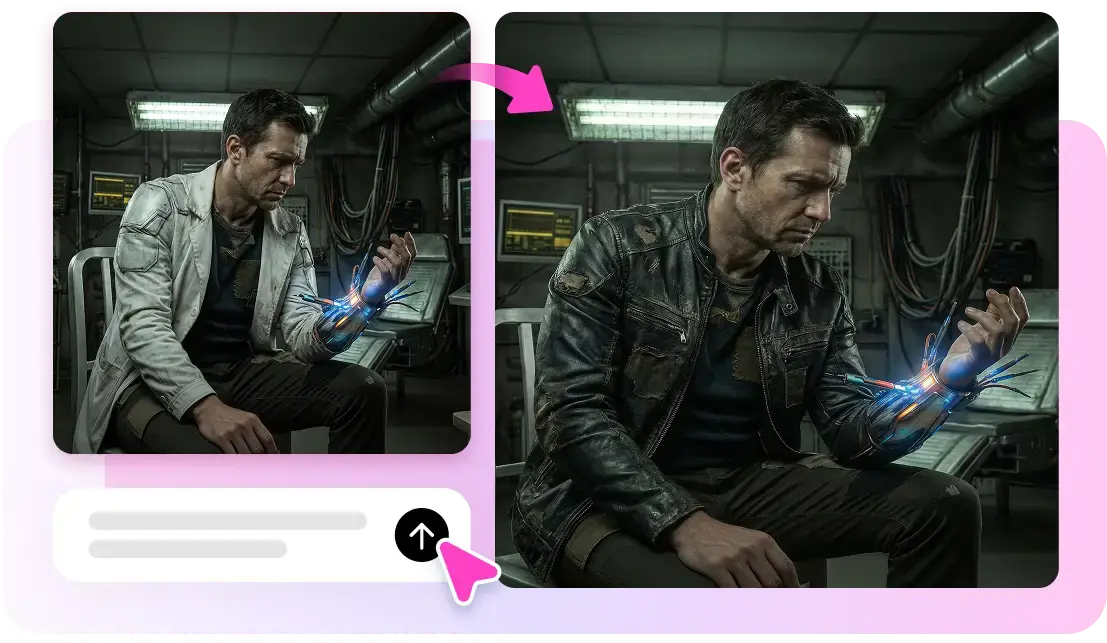
Making video used to demand a camera, a location, lighting, and hours in an editing suite, which put polished content out of reach for most small teams and solo creators. That barrier has fallen. Today you can describe a scene, choose a style, and generate finished footage without ever pointing a lens at anything. But access to the technology is only half the story, because a clip that looks impressive and a clip that actually persuades someone to act are rarely the same thing. This guide is written for creators who want more than novelty; you want video that earns attention, holds it, and moves the viewer toward a decision. We will walk through choosing the right approach, writing for the format, assembling footage that flows, and refining the result so it performs. Along the way the focus stays practical, because the goal is not to marvel at the tool but to produce work that delivers results.
Starting With Purpose, Not Effects
The most common mistake newcomers make is starting with the flashiest feature instead of the outcome they need. Before generating a single frame, decide what one action you want the viewer to take and what single idea they must understand to take it. Everything else serves that goal. When you begin a project with ai video in mind, resist the pull toward spectacle and ask instead what your audience needs to see and feel to say yes. A clear purpose also simplifies every later decision, because you can measure each scene against a single question: does this move the viewer closer to the action? Clips that fail that test, however beautiful, only dilute the message and should be cut. Purpose first, polish second, is the discipline that separates content that converts from content that merely impresses.
Knowing Your Viewer Before You Generate
A video that converts speaks to a specific person with a specific problem. Sketch that viewer in a sentence or two: what they are struggling with, what they already know, and what would make them trust you enough to act. This portrait shapes tone, pacing, and even visual style. A busy professional wants the point in the first few seconds, while a curious hobbyist may enjoy a slower build. When you know who you are talking to, the generation prompts you write become sharper, because you can describe scenes that reflect that person's world rather than generic imagery. The clearer your picture of the viewer, the less time you waste generating footage that looks fine but connects with no one in particular.
Writing and Structuring for Attention
Great footage cannot rescue a weak structure. Attention on modern feeds is won or lost in the opening moments, so lead with the hook rather than the setup. Open on the tension, the surprising claim, or the payoff, then use the body to explain and support it. Keep each scene focused on one beat, and cut the instant that beat is delivered. Write your script in short, spoken sentences, because language meant for the ear behaves differently from language meant for the page. A helpful practice is to draft the whole narration first, read it aloud against a timer, and trim anything that makes you stumble or run long. Only once the words carry the message cleanly should you move on to generating the visuals that illustrate them.
Matching Visuals to the Message
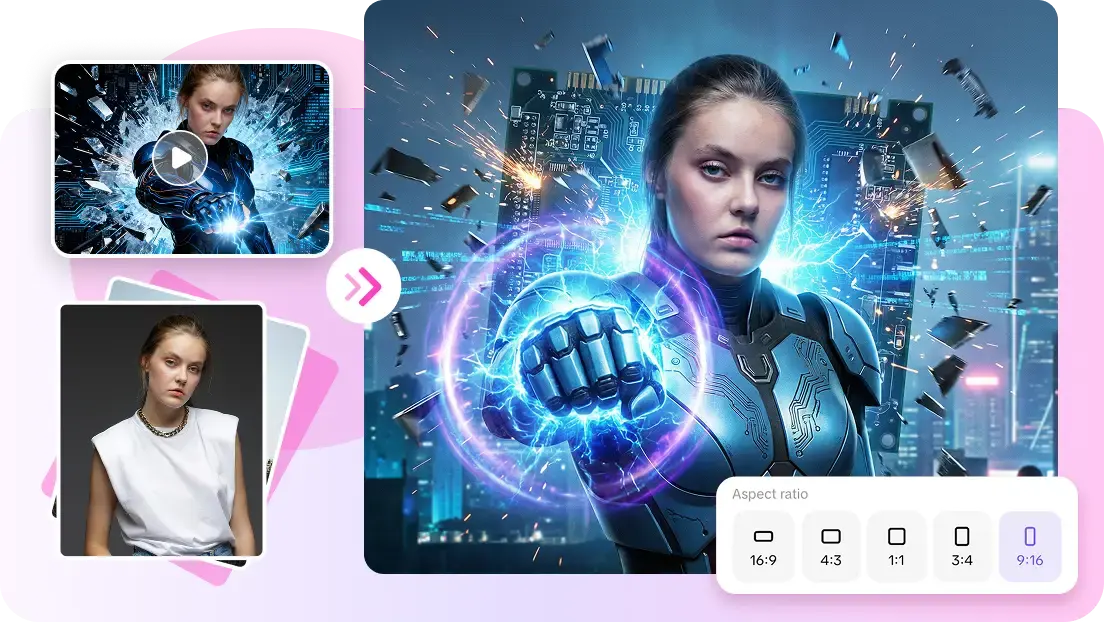
When you generate scenes, describe them in concrete terms tied to the point they support. Name the setting, the mood, the time of day, and the central action, and avoid piling on unrelated detail that pulls focus. Each visual should reinforce what the narration is saying at that moment, not compete with it. If a line is about relief after a problem is solved, the accompanying scene should feel calm and open rather than busy. Consistency matters too: keep a coherent color palette and lighting style across scenes so the piece reads as one deliberate work instead of a collage. Tools like Pippit AI make this easier by letting you carry a defined look across every generated clip, which keeps a multi-scene video feeling intentional and professional.
Pacing, Sound, and Captions
Editing is where a collection of generated shots becomes a video that holds attention. Pacing is the most powerful lever you have, so trim every shot to the exact moment it stops earning interest and cut into scenes as late as the story allows. Sound does quiet but essential work: a score matched to the emotional beat guides how the viewer feels, and clean audio signals quality even when they are not consciously aware of it. Captions are no longer optional, since most people watch muted at first, and well-timed subtitles keep your message legible in silence. Treat these three elements as part of the message rather than decoration added at the end, because together they determine whether a viewer stays long enough to reach your call to action.
Testing, Measuring, and Improving
A video's job is not finished when you publish it; that is when the learning begins. Watch where viewers drop off, because the point of abandonment usually reveals a pacing problem or an unclear stake you can fix. Compare openings by publishing variations and seeing which hook holds attention longest, then apply the winner to future work. Pay attention to whether people actually take the action you designed the video around, since watch time without conversion means the piece entertained but did not persuade. Because generating and revising footage is fast, you can act on these lessons within days rather than waiting for the next big production cycle. This tight loop of publishing, measuring, and refining is what steadily lifts your results from one video to the next.
Turning Generated Footage Into Real Results
Producing video that converts is less about the technology and more about the discipline you bring to it. Start every project with a clear purpose and a specific viewer in mind, write a script built to hook and hold attention, and generate visuals that reinforce the message rather than distract from it. Give editing, sound, and captions the care they deserve, because they decide whether anyone stays long enough to act. Then treat publishing as the beginning of a learning loop, using real viewer behavior to sharpen your next piece. The creators who succeed are not the ones with the fanciest effects but the ones who apply this steady, outcome-focused process again and again. With production now fast and accessible, the advantage belongs to those who keep testing and improving, turning generated footage into video that genuinely moves people to act.