Best iPhone data recovery software in 2026December 29, 2025 at 03:44 AM EST
ⓘ This article is third-party content and does not represent the views of this site. We make no guarantees regarding its accuracy or completeness.
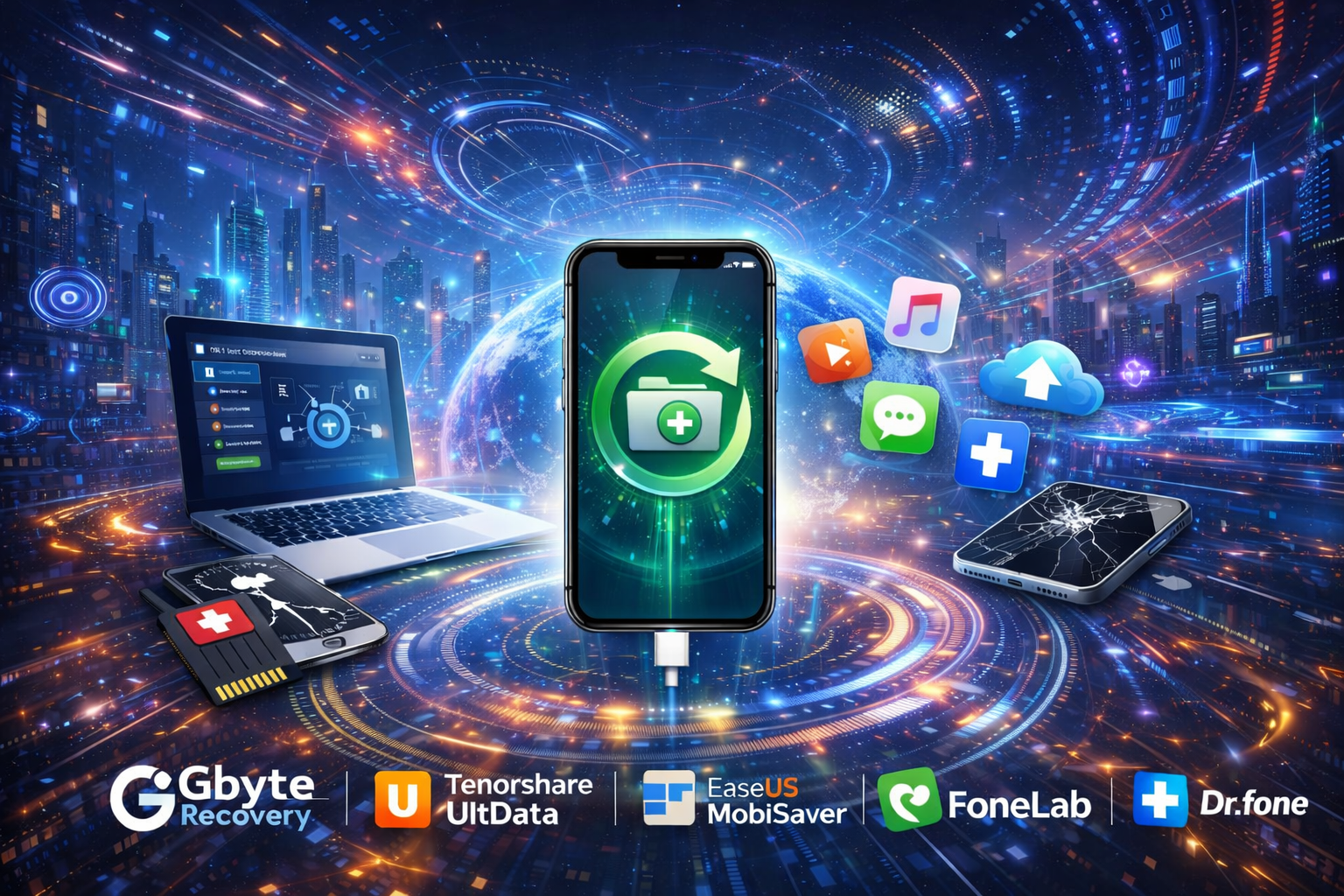
Losing data on an iPhone is far more common than most users expect. One wrong tap can erase years of photos, an iOS update might fail midway, or a chat thread can disappear without warning. While Apple’s iTunes and iCloud backups provide basic safety nets, they come with a major limitation: restoring a backup overwrites everything currently on your device, which means either you recover everything, or you risk losing all additions made since your last backup. These powerful tools enable the selective recovery of deleted files, messages, and media even when no backup exists. To help you pick the right solution, we have mentioned the top iPhone data recovery software for 2026 based on recovery modes, security, ease of use, and overall value. Gbyte recovery
Gbyte recovery works entirely on your iPhone; you don’t need any computer, USB cable, or desktop software. Everything will happen inside the iOS app, so you can easily avoid common PC risks like accidental overwrites or exposing your data. We all know security is the main focus here, and your data never leaves your device. Gbyte uses end-to-end encryption and strong privacy controls during the entire process. Instead of restoring full backups, it scans your iCloud account to find and recover deleted photos and files. This lets you bring back what you need without affecting the rest of your iPhone. Gbyte also provides you with clear, step-by-step help for recovering chat and social media data, such as deleted Messenger or Instagram messages, without restoring a full backup. For specific guide on recovering permanently deleted files, see: Recover Permanently Deleted Files on iPhone. Pros:
Cons:
Tenorshare UltData
Tenorshare UltData is a well-known iPhone data recovery tool that supports over 35 file types and offers three recovery modes: directly from your device, from iTunes backups, or from iCloud backups. The company claims up to a 98% success rate, making it a strong option when you need reliable recovery. It also provides extra tools for fixing iOS system issues and backing up social data, so it goes beyond basic recovery. However, it offers so many features that it may feel a bit complex if you are looking for something very simple. Pros:
Cons:
EaseUS MobiSaver
EaseUS MobiSaver focuses on the ease of use of your device. It is a simple three-step recovery that makes it great for beginners who just want to recover deleted photos, contacts, or texts without dealing with advanced options. EaseUS MobiSaver can recover data directly from your iPhone or from iTunes and iCloud backups. For people managing multiple devices or needing professional help, the Technician Edition adds more features at a higher cost. It is not as flexible as some competitors, but it is still a dependable option for everyday data loss. Pros:
Cons:
Fonelab
Fonelab offers more than just iPhone data recovery software. It also includes tools for system repair, no backup, and WhatsApp transfer. Before you restore, you can preview all recoverable items and choose exactly what to recover. Fonelab can also export data to formats like HTML or CSV, which is useful for saving records. This all-in-one package is helpful if you need extra tools, but some features may feel unnecessary if you’re looking for a quick, basic recovery. Pros:
Cons:
Dr.Fone
Dr.Fone is well known for handling difficult iPhone recovery cases, especially when your phones are physically damaged. It works well for issues like water damage, broken screens, Apple logo loops, or DFU mode problems. Dr. Fone is made by Wondershare, and it is a mature and stable tool with many advanced features. Because of its powerful toolkit and higher price, it is best suited for complex problems. If you only deleted a photo by mistake, Dr. Fone is probably more than you need. Pros:
Cons:
ConclusionEach iPhone data recovery app has its own strength:
Bottom line: If you care most about privacy and selective recovery, choose Gbyte. For damage-related issues, Dr. Fone is the better option. Whatever you use, stop using your iPhone as soon as you notice data loss and act quickly to avoid overwriting and improve your chances of recovery.
Report this content
If you believe this article contains misleading, harmful, or spam content, please let us know. Report this articleMore NewsView More
Shorting the Grid: Bloom Energy’s $25B AI Power Play ↗
Today 12:15 EDT



Via MarketBeat
Tickers
GIS

3 Dividend ETFs Built for Stability in a Volatile Market ↗
Today 10:30 EDT
Recent QuotesView More
Stock Quote API & Stock News API supplied by www.cloudquote.io
Quotes delayed at least 20 minutes. By accessing this page, you agree to the Privacy Policy and Terms Of Service.
© 2025 FinancialContent. All rights reserved.
|