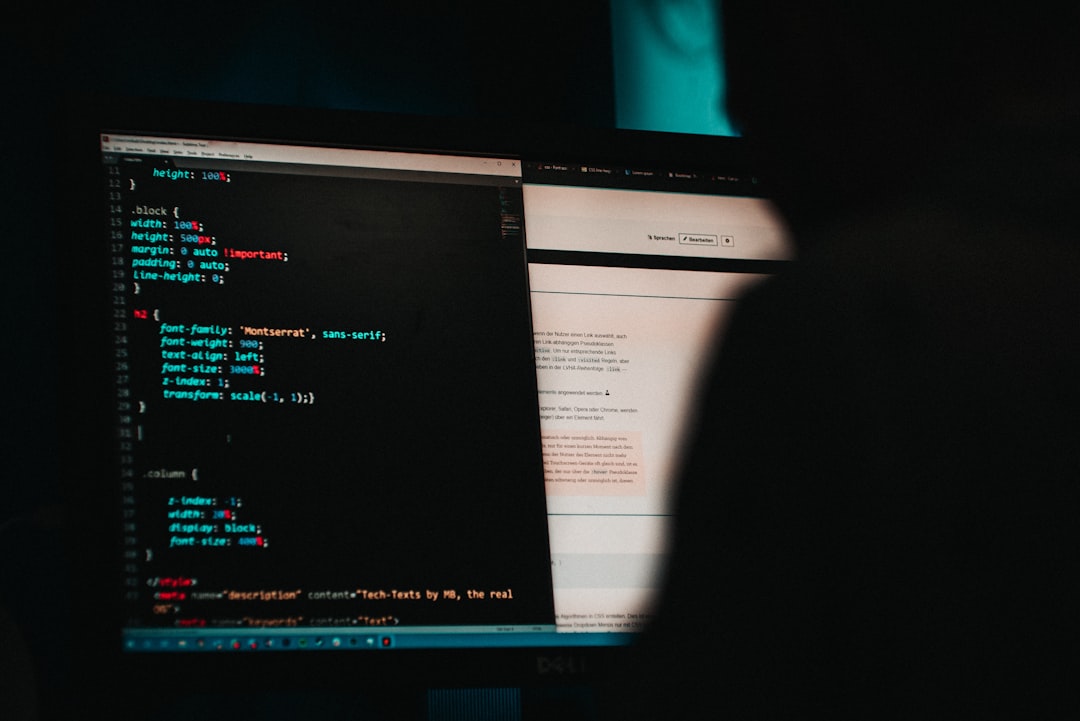
 Photo from Unsplash
Originally Posted On: https://www.tfnbtx.com/dont-let-hackers-hold-you-hostage-how-to-prevent-ransomware-attacks/
It’s a nightmare scenario faced by thousands every year.
You’re working on your computer or scrolling on your phone when, suddenly, your device stops working. A threatening message appears on your screen, informing you that some cyber-criminal has hijacked your machine and seized control of all of your sensitive data. If you want it back, the message says you’ll have to pay the price.
You’ve been infected with ransomware—malware that holds a person’s or company’s data hostage until they pay money, or a “ransom,” to get it back. Once your device is infected, the malware locks your computer and the bad actors behind it demand a payment in exchange for the key.
These attacks are on the rise and it seems like nearly every day there is news about cybercriminals taking down entire organizations. Hospitals crippled by ransomware attacks during the pandemic were forced to turn away patients and an attack on the United State’s largest fuel pipeline caused widespread panic at the pump.
Major ransomware attacks like those seen over the last two years have demonstrated how significant the problem has become as cyberattacks disrupted people’s lives,” says Gerald Zgabay, TFNB’s VP of Information Security.
While attacks on high-profile organizations like the ones above may make headlines, any individual or business can be a target. In fact, one study shows that small and medium-sized businesses compromise 70% of all ransomware attacks.
An Ounce of Prevention: How to Protect Yourself From Ransomware
The data shows that the threat of a ransomware attack is very real no matter who you are—so how do you defend against it? While there’s not a silver bullet to protect you from cyber criminals, the best-known cure against ransomware is diligent prevention.
“There is no perfect approach to preventing ransomware; however, simple preventive measures can ensure that you have a fighting chance like multi-factor authentication, education, patching, air-gapped and immutable data backups,” says Zgabay.
At TFNB, we take the protection of your personal and financial information very seriously and want to give you the resources you need to protect yourself. Gerald Zgabay, TFNB’s VP of Information Security, and TFNB’s IT Officer, Adam Dooley have assembled a list of tips that should be top of mind for anybody conducting sensitive online transactions—like logging onto your bank account—or even just accessing the internet in general.
By following the advice below, you can reduce the odds of finding yourself in front of a locked laptop and protect your data from getting into the hands of criminals.
Back up your computer and other devices regularly, and keep those backups in a different place other than your main system. You can do this by using an external hard drive or a cloud syncing service. If you’re the victim of an attack, you can rest easy knowing that all data they just locked down or destroyed is safe on another system that they can’t touch.
You’ll also want to make sure that critical data stays out of reach, so keep data backups unplugged from the network or computer when not in use.
With the right username and password, hackers can get a hold of the data on your devices, as well as your backup files in the cloud. Use strong passwords that are different for all of your accounts, and while you’re at it, make sure that you’ve turned on two-factor authentication everywhere—that means that something else (such as a code sent directly to you) is required to log in to your accounts in addition to a username and password.
Ransomware criminals often send malicious files or links over email, so take advantage of the spam and virus filters offered by your email provider. The savviest among them will try to bypass these filters and lower your guard by disguising their email address to look like the message is coming from someone you know or an organization you trust.
Always exercise caution when opening email attachments and links—even if the email seemingly appears to look “real.” If you are unsure whether an email is legitimate, try to verify it by finding the sender’s contact information using other sources other than the email and contacting them directly.
Updating your computer software and third-party patches as they are rolled out is one of the easiest and most important ways to stave off cyber threats. Criminals often take advantage of the security vulnerabilities found in older or unpatched software, which is why it’s vital that everything running on your computer is up-to-date with at least the latest security updates.
At TFNB, Your Protection is Our Priority
As with any security threat, it’s impossible to eradicate the risk of ransomware, but the tips we’ve provided here should help minimize the odds of you becoming a target. If the worst should happen, remember that ransomware is a crime, and you can report it to the Cybersecurity & Infrastructure Security Agency website here.
As a TFNB customer, you can rest assured knowing that we’re making every effort to protect your online information. We use a slew of security measures, like biometric authentication, encryption, and anti-virus software that give you greater security as you manage your money. And while we use world-class technology, you’ll still receive the friendly, personable service that you expect from a neighborhood bank. Still curious about how we keep your information safe? Call or visit one of your local bankers today. We’d be happy to chat.