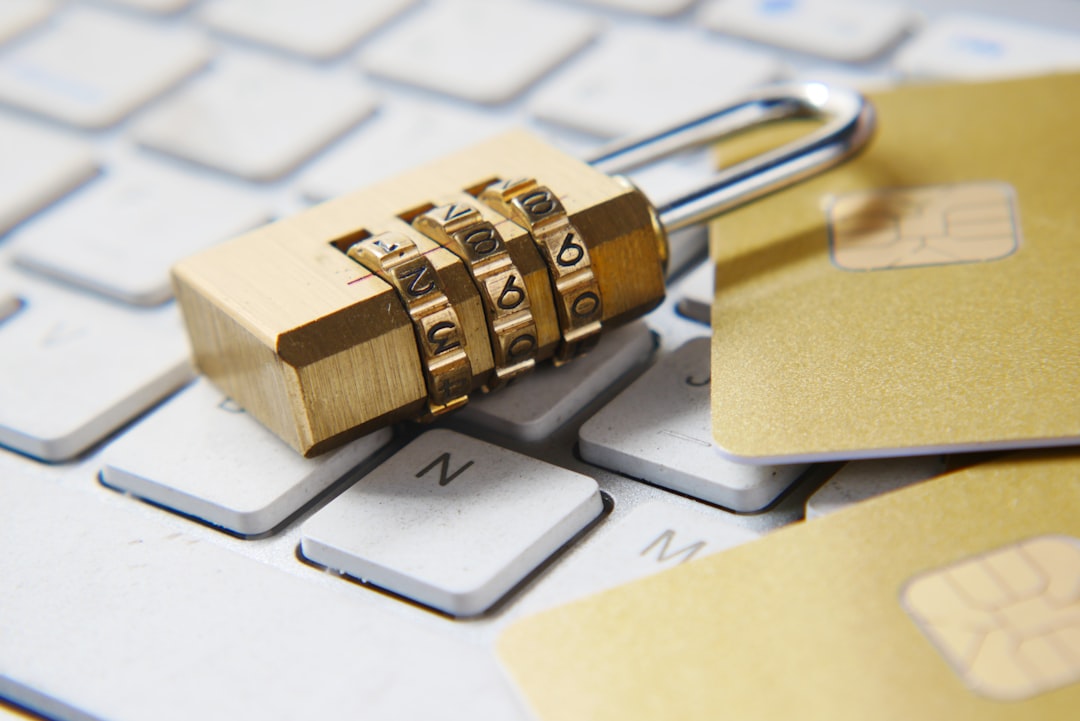
 Photo from Unsplash
Originally Posted On: https://www.goadvantex.com/7-effective-cyber-security-tips-for-companies/
Cybercrimes cost the world almost $600 billion every year. In many cases, the damages extend beyond financial costs, especially for companies. A breach can mean losing the trust of your customers, meaning your brand reputation takes a hit as well.
So, how can you ensure that you keep your company’s sensitive data, including customer information, safe from cybercriminals? Start with these seven cyber security tips.
1. Train Your Employees
The first step in small business cyber security should be prevention, which means training employees on the best practices. It’s often insiders that either carelessly or maliciously give hackers the chance they need to access the networks.
Common mistakes include:
- Writing down passwords
- Reusing the same password
- Sharing passwords
- Opening fraudulent emails
- Opening attachments that contain ransomware
- Falling for phishing scams
- Weak passwords
Make strong passwords mandatory. No more “123456” or “password” allowed. Require longer passwords that have a mix of uppercase and lowercase letters, numbers, and symbols.
Additionally, passwords shouldn’t contain personal information such as the person’s name or the company.
Finally, ensure that employees aren’t writing down these passwords on sticky notes or notepads and leaving them near the computer.
Teach your staff about phishing attacks and how they can become victims. Hackers are getting smarter, and many of those emails look official even though they aren’t.
If someone receives an email asking for specific sensitive information, such as a password, or includes an attachment they weren’t expecting, have them verify the email. It’s much easier to ask the sender if they sent the email than to deal with the consequences of malware.
2. Perform a Risk Assessment
As we mentioned, a breach can have lasting consequences beyond the financial costs. Companies expect a 9% decrease in global annual turnover following a data privacy disaster.
Not only can you lose the trust of your existing customers, but future customers may think twice before using your services. Plus, investor confidence can drop.
In the end, a single cyber attack can do a lot of lasting damage to your company.
A good first step is to conduct a risk assessment to determine any weak points in your system. Find those security gaps, and develop a plan to fix them.
Here at ADVANTEX, we offer a free IT assessment that puts you on the path toward better security.
3. Use Strong Antivirus Software
One of the basics of preventing cyber attacks is to use strong antivirus software on all your devices. Installing this software should be one of your top concerns while running a business.
Antivirus software protects company devices from viruses, ransomware, spyware, and more. In addition to installing the software on corporate-owned computers and phones, employees should also have it on any devices they use for work purposes.
Never allow your team to work from home on an unprotected computer or phone.
Remember, the number of viruses increases each year, and as hackers and cybercriminals get smarter, they look for vulnerabilities in the system. If your employees aren’t keeping their software updated, it puts your data at risk.
Schedule automatic updates, so no one forgets.
4. Always Backup Files
Imagine this: one of your employees is working on a project, and they’ve spent hours or even days making adjustments, adding information, etc. Then a cyberattack occurs, and the file has been compromised or deleted.
If there’s no backup copy, that’s a lot of lost time and money. Sometimes, those files are irreplaceable.
Any delay can cause a bottleneck and a delay in production. If you’re on a tight deadline, this situation can be a disaster.
There is a ton of data stored on company computers and phones. Without a backup plan in place, it can mean losing valuable files.
When you work with a professional cyber security company, you’ll develop a disaster strategy, which should have a backup plan in place. Security experts can also help you protect your system against the latest threats and look for any vulnerabilities that need attention.
5. Stay Compliant With Regulations
Any business that handles consumer data must remain compliant with the law. Last year, 35 states and the District of Columbia considered or introduced new privacy bills.
There is no singular law that covers all the rules that a company must follow. Instead, there are state laws that deal with consumer privacy practices. There are also federal consumer protection laws.
Ensuring your business follows all laws and regulations should be your top concern. Neglecting to do so can get you in legal trouble, and you might face steep fines or worse.
Your customers and clients also expect transparency these days. They want to know what types of data you collect, how you use it, and how you’ll keep it safe.
6. Encrypt Information
Any business that handles credit card information, bank account numbers, or other types of sensitive data should use an encryption program.
Encryption takes plain text, such as an email, and scrambles it into cipher text, which makes it unreadable. For instance, “John Doe” in cipher text could be “Ap+z_%pt.” To most people, it looks like gibberish, which helps keep data secure from cybercriminals.
Only with the proper decryption key can someone determine the original text. Encryption relies on complex algorithms that make it impossible to determine the original text without the key. It protects tax documents, banking information, passwords, emails, etc.
7. Secure Your Wireless Network
Many small operations forget about this step, but changing the default name and password on your router helps protect your system as well.
It’s best to choose a name that doesn’t tie to your company, so cybercriminals won’t target that network. You can protect yourself further by using Wi-Fi Protected Access 3 and frequently checking the list of connected devices. If you spot any that don’t belong, revoke access and change the password.
Stay Safe With These Cyber Security Tips
As a business, it’s your responsibility to keep your customer’s data safe. You also must protect your files and company information from outside forces.
Get started with these seven cyber security tips.
Here at ADVANTEX, we offer all the IT solutions you need to keep your company secure. Fill out our contact form or give us a call to learn more about our cybersecurity services and to set up a free assessment.